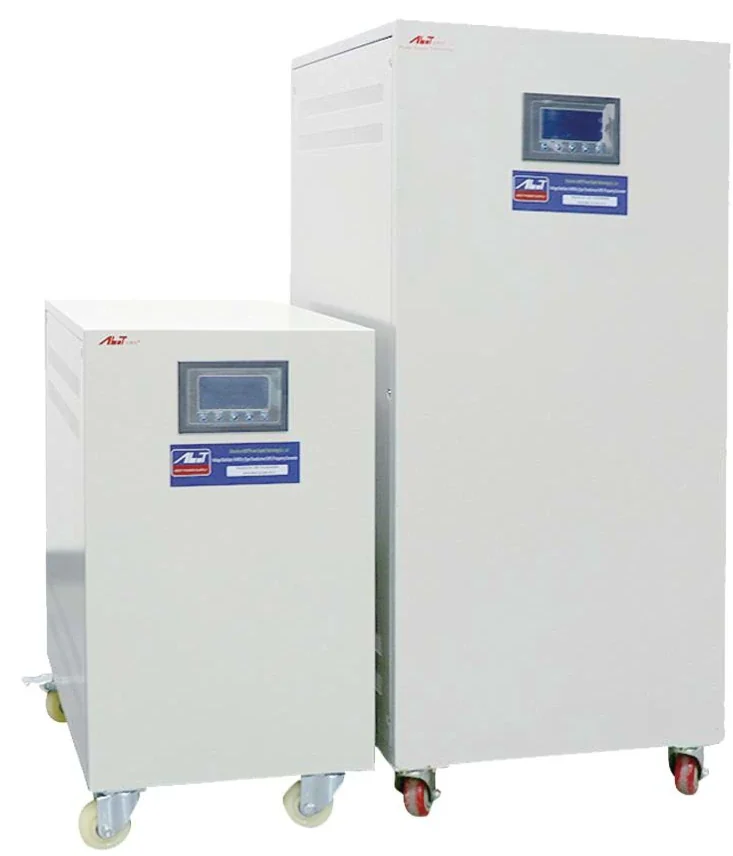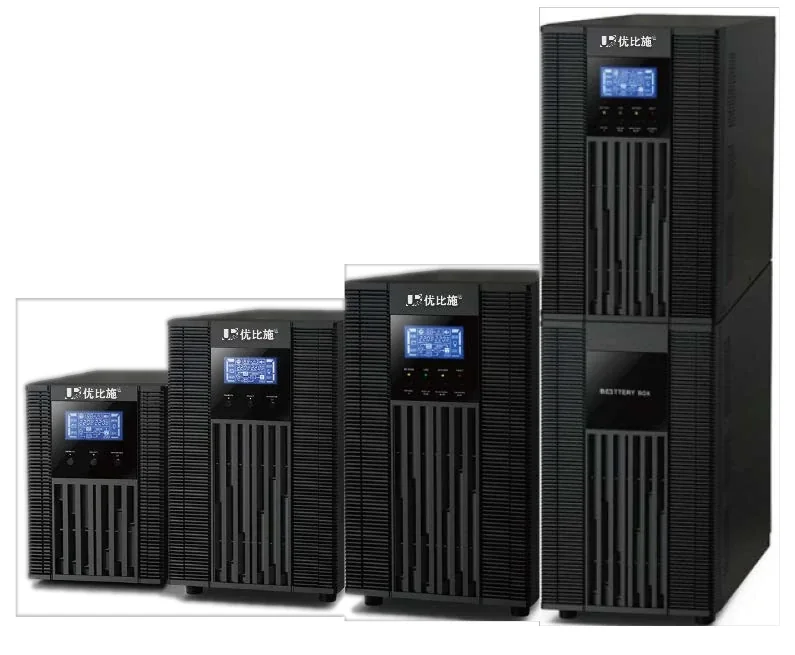
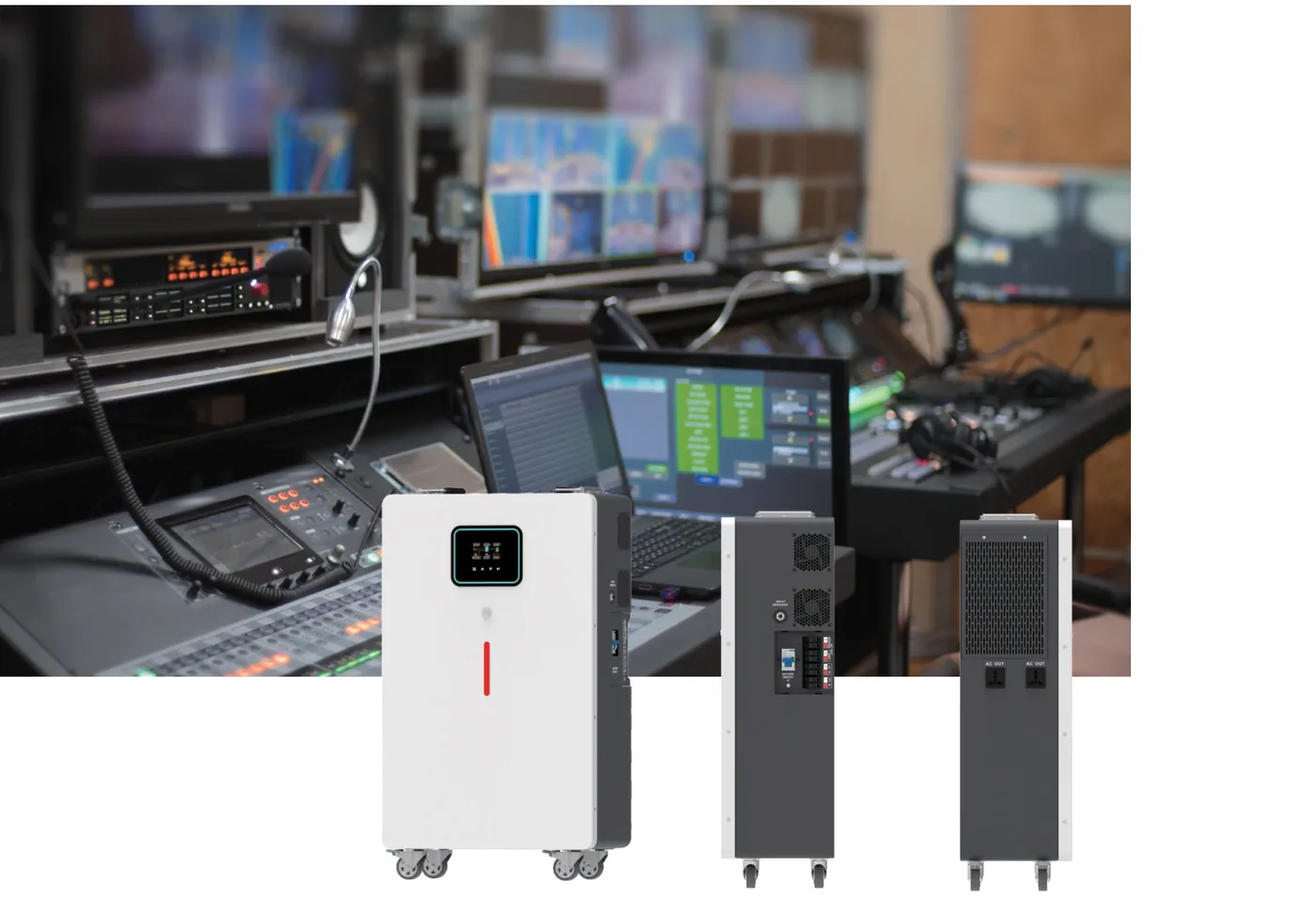
A brownout is not a short outage. It is a sustained voltage drop that can last minutes or hours, and it is one of the most common power-quality problems in the Philippines. A UPS can carry the load through a blackout, but it is not designed to carry the load through a two-hour brownout. The battery will run out, even though the supply never went to zero.
The practical solution is to separate the two problems: correct the voltage with an AVR, and carry the critical load through the actual interruption with a UPS.
What is a brownout, and why is it not a blackout?
A brownout is a sustained undervoltage. The voltage may fall from 220 V to 180 V or lower, and it may stay there for minutes or hours. Lights dim, motors slow down, and electronic equipment may reset or fail.
A blackout is a complete loss of supply. The voltage goes to zero, and the UPS battery carries the load until it is exhausted or the generator starts.
The distinction matters because the devices respond differently. An AVR can correct a brownout and keep the load on mains. A UPS cannot correct a brownout; if the input is outside its window, it transfers to battery and drains the battery.
| Condition | Duration | Voltage | Best device |
|---|---|---|---|
| Brownout | Minutes to hours | 160–200 V | AVR / servo stabilizer |
| Momentary sag | Milliseconds | 150–200 V | UPS |
| Blackout | Minutes to hours | 0 V | UPS + battery / generator |
| Surge | Microseconds | >300 V | SPD |
| Frequency instability | Minutes | 60 Hz ± | Online UPS |
Why does a UPS drain during a brownout?
A UPS has an input voltage window. If the input stays inside the window, the UPS runs on mains and the battery remains charged. If the input falls below the window, the UPS transfers to battery. During a long brownout, the UPS may stay on battery for the entire event, which exhausts the battery.
This is the hidden failure mode of a UPS-only solution. The site has a UPS, the battery is healthy, but the runtime is five minutes. A brownout that lasts 30 minutes will still drop the load.
An online UPS with a wide input window can ride through a deeper sag without touching the battery. That is one reason the input range is a more important specification than the transfer time for a brownout-prone site.
How does an AVR solve a brownout?
An AVR corrects the voltage without using a battery. A servo stabilizer with a 160–260 VAC input can hold the output at 220 V ±2% while the input moves across the brownout range. A contact-type AVR with a ±20% window can correct a moderate sag, but it may not cover the deepest brownout.
The AVR is installed upstream of the UPS or at the distribution board. If it is upstream of the UPS, the UPS sees a stable input and stays on mains. If it is at the distribution board, it protects the non-UPS loads as well.
The AVR does not provide backup. It corrects the voltage, but it cannot carry the load through a blackout. The UPS is still needed for the actual interruption.
| Device | Brownout | Blackout | Surge |
|---|---|---|---|
| Servo AVR | Corrects | No | No |
| UPS | May drain | Carries | Limited |
| AVR + UPS | Corrects + carries | Carries | Add SPD |
| Generator | No | Carries | No |
What size AVR and UPS for a Philippine home or office?
For a home office, add the computer, monitor, router, and lights. A 1–3 kVA UPS covers the critical electronics; a 5–10 kVA single-phase AVR covers the wider load. For a small office, a 10 kVA UPS and a 15–30 kVA AVR are common.
For a factory or a commercial building, a three-phase AVR and a three-phase UPS may both be required. The AVR protects the motors and controls from voltage swings; the UPS protects the critical electronics from outages.
| Site | Critical load | UPS | AVR |
|---|---|---|---|
| Home office | 0.5–2 kW | 1–3 kVA | 5–10 kVA |
| Small office | 3–8 kW | 5–10 kVA | 15–30 kVA |
| Retail / restaurant | 5–15 kW | 10–20 kVA | 30–50 kVA |
| Clinic / lab | 5–15 kW | 10–20 kVA | 20–50 kVA |
| Factory | 20–80 kW | 20–100 kVA | 50–100 kVA |
At 60 Hz, confirm the UPS and AVR are set for 60 Hz, not 50 Hz. A 50 Hz unit may run, but the frequency setting, the fan speed, and the output calibration must be correct.
How do I protect against typhoon-related surges?
The Philippines has a high lightning risk. A brownout or a restoration can be followed by a surge, and a nearby strike can couple into the building wiring. An AVR is not a surge arrester. Install a surge protective device at the service entrance and, where required, at the distribution board.
For a critical site, use a Type 1 SPD at the main switchboard and a Type 2 SPD at the sub-board feeding the UPS. Protect the DC battery circuit as well if the UPS has an external battery. Inspect the SPD after every storm season and replace the cartridge when the indicator shows end-of-life.
What documentation should I confirm?
The Philippines uses the PS (Philippine Standard) and ICC (Import Commodity Clearance) route for many products. Confirm the product classification, the test reports, and the marking with the importer before shipment. The Bureau of Philippine Standards (BPS) is the authority.
Ask for the model-specific IEC 62040 test report, the CE report, the battery UN38.3 report, and the packing list. The voltage and frequency must match 220 V / 60 Hz. Do not accept a generic certificate that does not name the model.
The brownout checklist
- Treat the brownout and the blackout as separate problems.
- Use an AVR to correct the voltage; use a UPS for the interruption.
- Check the UPS input window; a wide window preserves the battery.
- Set the AVR and UPS for 220 V / 60 Hz.
- Add an SPD for lightning and restoration surges.
- Confirm the PS/ICC documentation route with the importer.
- Test the battery runtime at the design load every 12–24 months.
A brownout-prone site needs both devices, not a bigger UPS. The AVR corrects the voltage, the UPS carries the critical load, and the SPD protects both from the transient that follows.