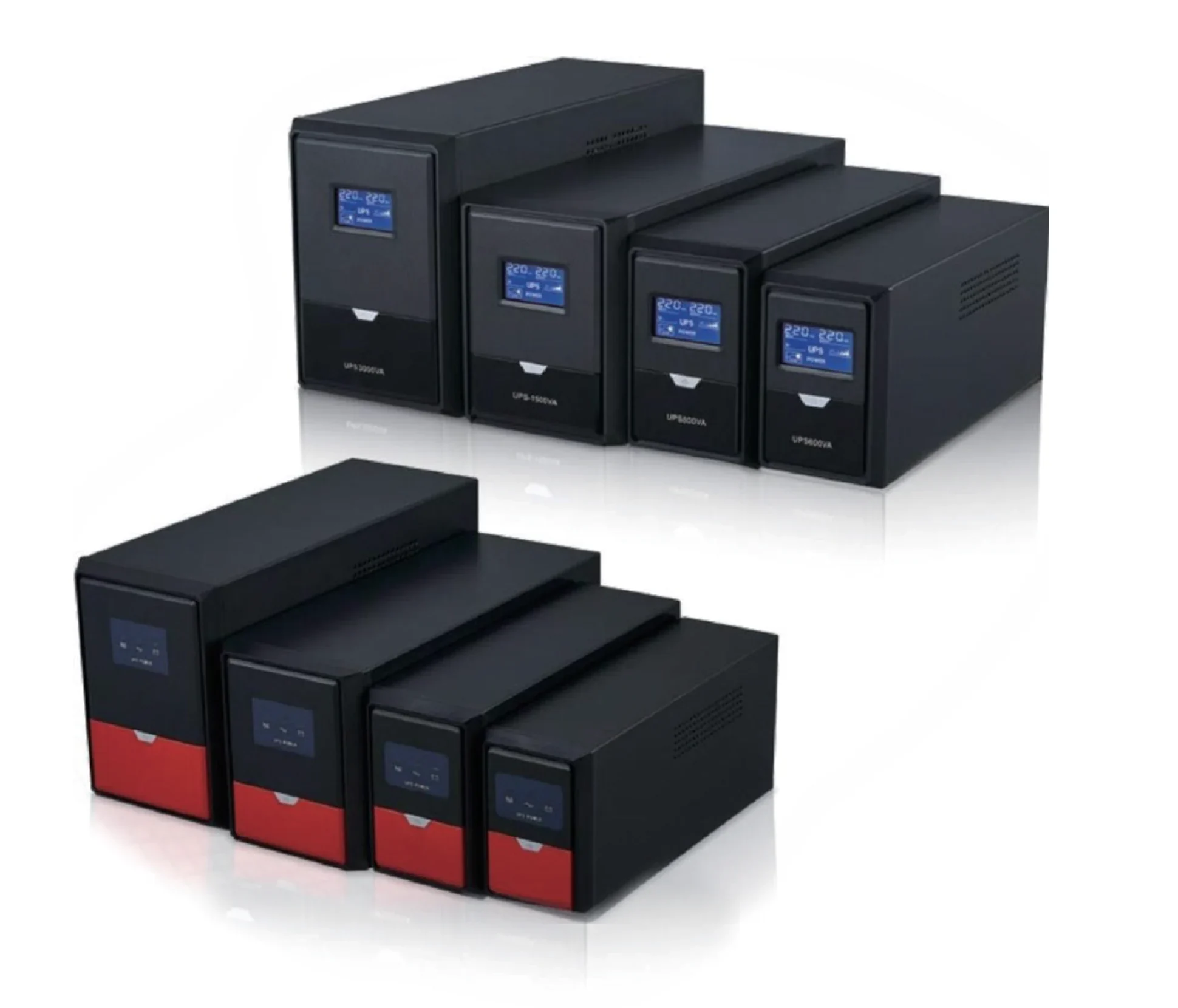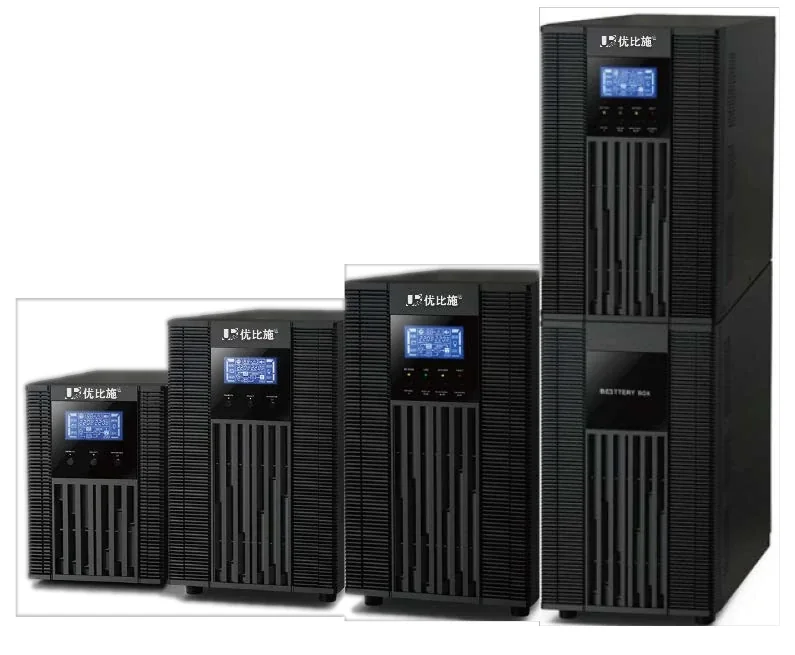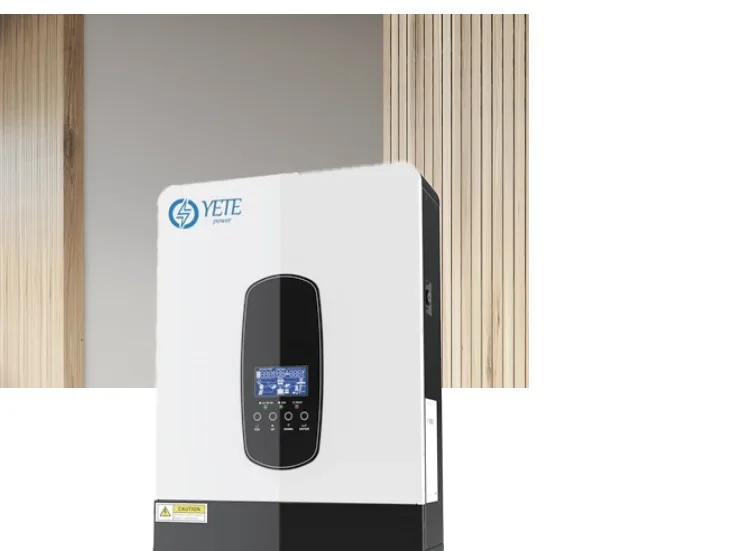

A small office UPS is usually bought in a hurry after the first outage. The result is either a 600 VA unit that cannot carry the router and the NAS, or a 10 kVA online tower that is oversized, noisy and expensive. The right size is a short load list away.
This guide covers what to protect, what to skip, and how to choose between line-interactive and online.
What should be on the UPS?
List the business-critical loads first. Everything else can stay on the mains.
| Load | Priority | Typical draw | On UPS? |
|---|---|---|---|
| Router, firewall, switch | Critical | 30–150 W | Yes |
| NAS or small server | Critical | 150–500 W | Yes |
| Workstations and monitors | Critical | 150–300 W each | Yes |
| POS terminal and printer | Critical | 100–300 W | Yes |
| CCTV recorder and cameras | Critical | 100–500 W | Yes |
| Desk phone / VoIP | Important | 10–50 W | Yes |
| Laser printer | Non-critical | 300–1,200 W peak | Usually no |
| Air conditioner | Non-critical | 1–5 kW | No |
| Fridge, kettle, heater | Non-critical | 0.5–3 kW | No |
| Lighting | Safety only | 50–500 W | Emergency circuits only |
A laser printer draws a high peak when it heats; it can trip a small UPS. Put it on the mains or on a separate circuit.
How do you size the UPS?
- Add the running watts of the loads you want on the UPS.
- Divide by the output power factor (0.9 for most online units, 0.6–0.8 for line-interactive).
- Add 25% design margin for growth and ageing.
- Choose the nearest standard size.
- Choose the runtime and the battery.
For example, a router (60 W), switch (40 W), NAS (200 W), two monitors (60 W each) and one workstation (250 W) total 670 W. At 0.9 PF and 25% margin, the required capacity is about 930 VA; a 1 kVA online unit or a 1.5 kVA line-interactive unit fits. For 30 minutes, the battery estimate at a 24 VDC bus is about 47 Ah; a 50 Ah block or a small lithium module covers it.
Line-interactive or online?
| Feature | Line-interactive | Online double-conversion |
|---|---|---|
| Transfer time | 4–6 ms | 0 ms |
| Output waveform | Simulated or pure sine | Pure sine |
| Voltage regulation | AVR buck/boost | Continuous |
| Efficiency | Higher | Lower |
| Noise and heat | Lower | Higher |
| Typical use | Office IT, POS, network | Server, medical, studio |
For a small office, line-interactive is usually enough. Choose online if the load includes a server, a medical device, a recording studio, or any equipment that resets on a 5 ms transfer.
What runtime should a small office choose?
Runtime is a battery decision. The UPS frame only sets the maximum power.
- 5–10 minutes: enough to save work, close applications and shut down.
- 15–30 minutes: enough to ride through short outages and generator start.
- 60 minutes or more: for a NAS, security system, or a site with frequent long outages.
For a 1 kVA load and 60 minutes at a 24 VDC bus, 0.85 inverter efficiency and 0.6 depth of discharge, the estimate is about 41 Ah. For 4 hours, it rises to about 163 Ah, which is usually not practical for a small office. A generator or a longer-term plan is better.
What can a small UPS not do?
A small UPS cannot:
- Run an air conditioner, fridge, kettle or heater.
- Run a laser printer reliably at peak.
- Power a motor load with a high starting current.
- Provide more than a few minutes at full load with an internal battery.
- Replace a generator for a multi-hour outage.
If the office needs the air conditioner and the lights during a long outage, the answer is a generator or an inverter with a large battery, not a bigger UPS.
What about installation and battery room?
A small UPS is usually plug-and-play, but the battery still has a temperature limit. VRLA life falls above 25 °C; a closet with no ventilation can reach 35 °C. Put the UPS where air can circulate, and do not stack paper or boxes against it.
For a rack-mounted unit, confirm the rack depth, the airflow and the battery pack location. For a wall-mounted lithium unit, confirm the wall load and the charger compatibility.
Which standards and documents apply?
The UPS is specified to IEC 62040-1/-2/-3. The battery follows IEC 60896-21/-22 for VRLA or IEC 62619 for lithium, with UN38.3 and MSDS for transport. The installation follows local electrical codes.
Ask for the model datasheet, the battery configuration sheet and the test report. For a tender or a clinic, ask for the model-specific IEC 62040 report.
Next step
Send the load list, the runtime target, the number of workstations and the site voltage. We will return the capacity, the topology and the battery configuration.
Start with the line-interactive UPS page, compare the 1 kVA and 3 kVA guides, or use the sizing calculator for a first estimate.