
UPS for home: what a house actually needs from backup power.
What a home UPS can carry, how long a 1 kVA unit runs a router or a workstation, which loads to keep off it, and what drives the price.
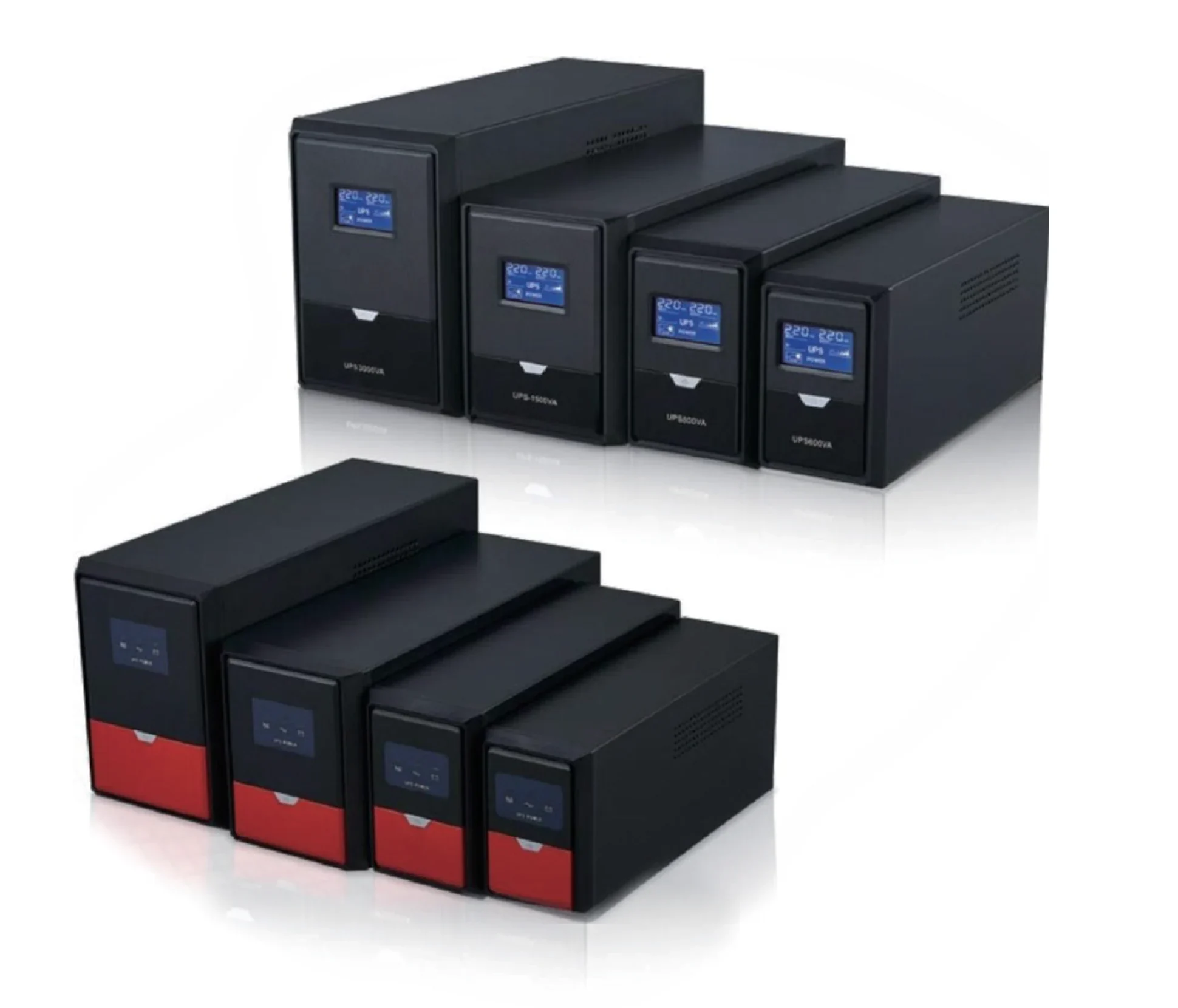
- Typical circuit to protect
- 150–400 W
- Usual home size
- 1–2 kVA
- Line-interactive transfer
- 4–6 ms
- Router runtime on 1 kVA
- 12–24 h
A home UPS is a battery, a charger and an inverter in one box, sized to carry a few hundred watts for somewhere between ten minutes and a few hours. For a house the useful question is not "how many kVA" but "which circuits must survive the outage" — usually the router, the ONT, a laptop, a few lights, and possibly a fan. That list is typically 150–400 W, which a 1 kVA to 2 kVA line-interactive unit covers.
This page gives the load list, the runtime arithmetic behind the brochure numbers, the loads that should stay off a small UPS, and the four specification items that move the price. It applies to 220–240 V single-phase homes; three-phase and generator-backed sites need the sizing approach in the UPS systems section.
What should a home UPS actually carry?
Start from the circuits, not the appliances. The load that matters during an outage is the one that keeps the house connected and lit: the fibre ONT and router (10–20 W together), a laptop charger (45–90 W), two or three LED lamps (5–10 W each), a phone charger, and a fan or a small television if the budget allows.
That list adds up to roughly 150–400 W. It is deliberately modest, because every extra watt is taken straight out of the battery and cuts runtime proportionally. A home UPS sized for the connection load will run far longer than one sized for the whole house and then throttled.
Common home loads and what they draw
| Load | Running power | Notes |
|---|---|---|
| Fibre ONT + Wi-Fi router | 10–20 W | The load most people actually buy a UPS for |
| Laptop | 45–90 W | Charges from the UPS; the battery inside already helps |
| LED lamp | 5–10 W | Three lamps ≈ 30 W |
| Desk fan | 35–55 W | Inductive motor: needs a sine-wave output |
| Television 43–55" | 60–110 W | Fine on a line-interactive unit |
| Refrigerator | 80–150 W running, 3–5× at start | Not a load for a small UPS — see below |
| Air conditioner | 700–1,500 W | Never on a home UPS; use a generator or inverter system |
How long will a home UPS actually run?
Runtime is stored energy divided by load, with losses. The arithmetic is: battery watt-hours = volts × amp-hours × number of blocks; usable energy is about 80–85% of that after inverter losses and depth of discharge; runtime in hours = usable watt-hours ÷ load watts.
The table below applies that formula to models in the line-interactive family, at a fixed 150 W connection load and at half their rated wattage. The numbers are estimates for a new battery at 25 °C; a battery at end of life or in a hot room will deliver noticeably less.
Estimated runtime by model (new battery, 25 °C)
| Model | Rating | Battery | At 150 W | At 50% load |
|---|---|---|---|---|
| MT-650 | 650 VA / 390 W | 12 V 7 Ah × 1 | ≈ 1 h 25 min | ≈ 25 min |
| MT-1000 | 1,000 VA / 600 W | 12 V 7 Ah × 2 | ≈ 1 h 55 min | ≈ 30 min |
| MT-2000B | 2,000 VA / 1,200 W | 12 V 7 Ah × 4 | ≈ 3 h 50 min | ≈ 30 min |
| MT-3000 | 3,000 VA / 1,800 W | 12 V 9 Ah × 4 | ≈ 4 h 45 min | ≈ 35 min |
Which loads should stay off a small home UPS?
Anything with a compressor or a large motor is the wrong load for a line-interactive UPS. Refrigerators, freezers, air conditioners, water pumps and power tools draw three to five times their running current for a second or two at start, and they need a true sine wave. A simulated sine output will make the motor hum, overheat, or refuse to start — and the start current will trip the UPS into overload.
Laser printers are a second trap: their fuser draws 600–1,000 W in bursts, well above what the UPS can supply even though the average draw is small. If a fridge or a pump must run through an outage, the correct answer is a pure sine wave inverter with an external battery bank, sized on surge current, not a boxed home UPS.
- Refrigerators, freezers, air conditioners: use a pure sine inverter with external batteries
- Water pumps and power tools: surge current sizing, not UPS
- Laser printers: keep them on mains, not on the UPS
- Microwaves and kettles: resistive loads that drain the battery in minutes
- Medical devices with a specified waveform: check the device manual before choosing
What makes one home UPS cost more than another?
Four things drive the price, in this order: the battery (chemistry, capacity, and whether it is internal or an external pack), the topology (standby, line-interactive, or online double conversion), the output waveform (simulated or true sine), and the output power factor — the real watts the unit can deliver, not the VA number on the box.
A 1 kVA unit rated at 0.6 PF delivers 600 W; a 1 kVA online unit rated at 0.9 PF delivers 900 W. Two boxes the same size can therefore differ by 50% in usable power. When comparing quotations, compare watts, battery amp-hours, and transfer time — never the VA figure alone.
What each specification buys you
| Specification | Low end | Higher end | What it changes |
|---|---|---|---|
| Topology | Standby / offline | Line-interactive or online | Transfer time and voltage tolerance |
| Output waveform | Simulated sine | True sine | Whether motors and audio equipment behave |
| Output power factor | 0.6 PF | 0.9 PF | Real watts available from the same VA rating |
| Battery | Internal 7–9 Ah | External pack or LiFePO4 | Runtime and service life |
| Monitoring | LED bar | LCD + USB/RS485 or SNMP | Visibility and remote shutdown |
How should a home UPS be installed and maintained?
Put the UPS on a dedicated socket that is not shared with heavy appliances, keep at least 100 mm of clearance around the vents, and never cover it. In a hot climate the battery is the first part to fail: a VRLA block rated for five years at 25 °C loses roughly half that life at 35 °C, so a ventilated position matters more than the brand of the battery.
Test it on a schedule. Once a month, unplug the input with a light load connected and confirm the output holds; twice a year, note how long it lasts and compare with the previous figure. A runtime that has halved is the signal to replace the battery, not to buy a bigger UPS.
Match the page to a platform.
MT / HI11 / AP / AK · 500 VA – 5 kVA
Line-Interactive UPS
Compact, AVR-corrected backup for POS, security, and office loads.
GP / GF / GS / GI / GL / MS · 400 VA – 3 kVA
Offline UPS
Standby backup for routers, POS, desktops, and small security loads.
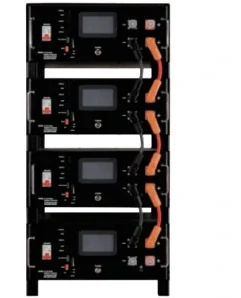
51.2 V rack · 50–280 Ah
LiFePO4 Battery
More usable cycles and less weight for long runtime.
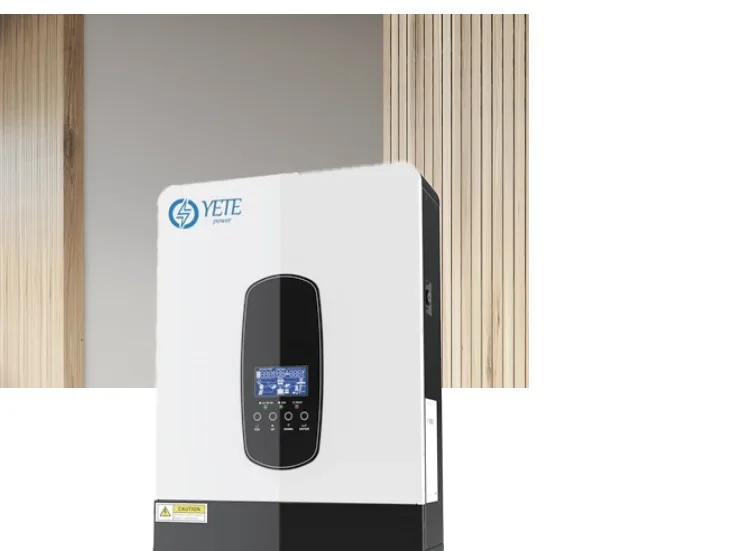
SP Series · 2.2–7 kVA
Pure Sine Wave Inverter
Grid or solar charging with a pure sine wave output.
Questions from project buyers.
Project-specific answers. If your question is not here, send the load list and the site conditions.
Talk to an engineer What size UPS do I need for a home?
For a router, ONT, laptop, a few LED lamps and a fan — roughly 150–400 W — a 1 kVA to 2 kVA line-interactive UPS is enough. Size on the watts you must keep running, then check the runtime table for that load.
How long will a UPS run a router?
A router and ONT draw 10–20 W, so a 1 kVA unit with 168 Wh of battery runs them for well over ten hours. The limit is usually the battery, not the inverter.
Can a home UPS run a refrigerator?
Not reliably. A fridge draws three to five times its running current at compressor start and needs a true sine wave. Use a pure sine inverter with an external battery bank, sized on surge current.
Why is a UPS cheaper than an inverter for the same kVA?
A boxed UPS includes a small internal battery, so the runtime is minutes rather than hours. An inverter needs a separate battery bank, which is the largest part of its cost.
How often should a home UPS battery be replaced?
VRLA blocks typically last three to five years at 25 °C, less in a hot room. Replace when the measured runtime falls to about half of the original figure.
Send the load list. We will return the configuration.
Tell us the kW, the backup time, the phase, and the site country. You will get a capacity recommendation, a battery configuration, and the model sheet.
- Capacity and topology recommendation
- Battery bank and runtime estimate
- Model sheet and commercial offer
Request a configuration and quotation
Send the load list, backup time, and site conditions. We will return a capacity recommendation, battery configuration, and commercial offer.