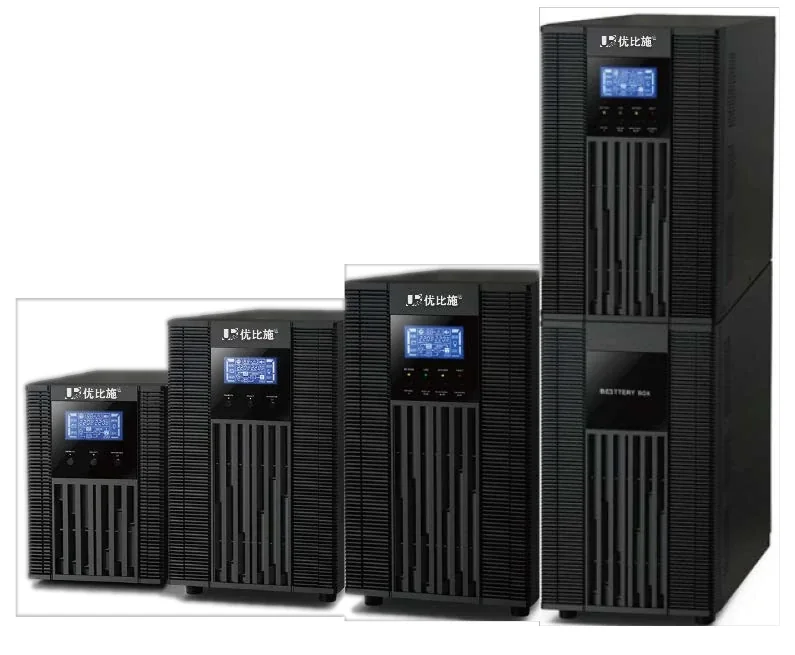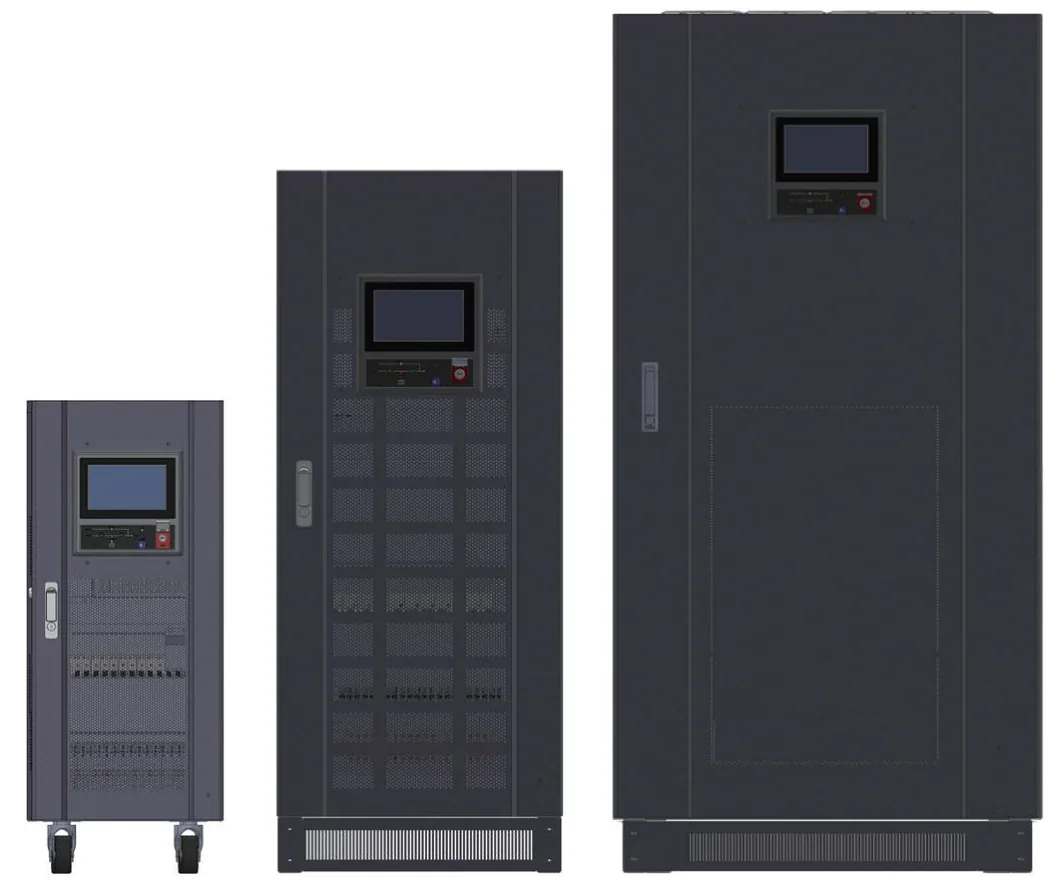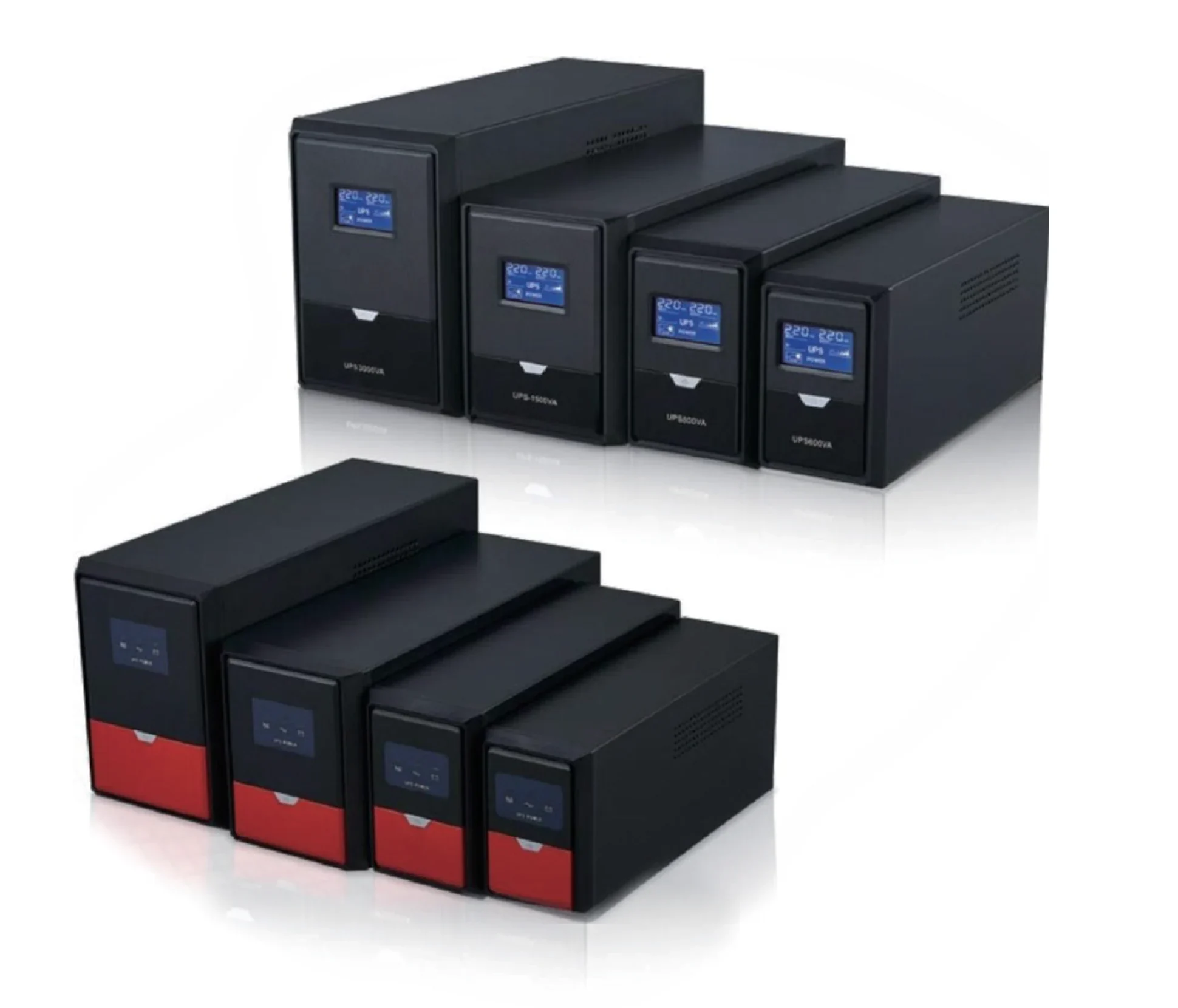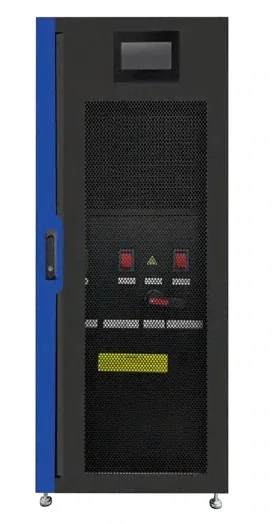
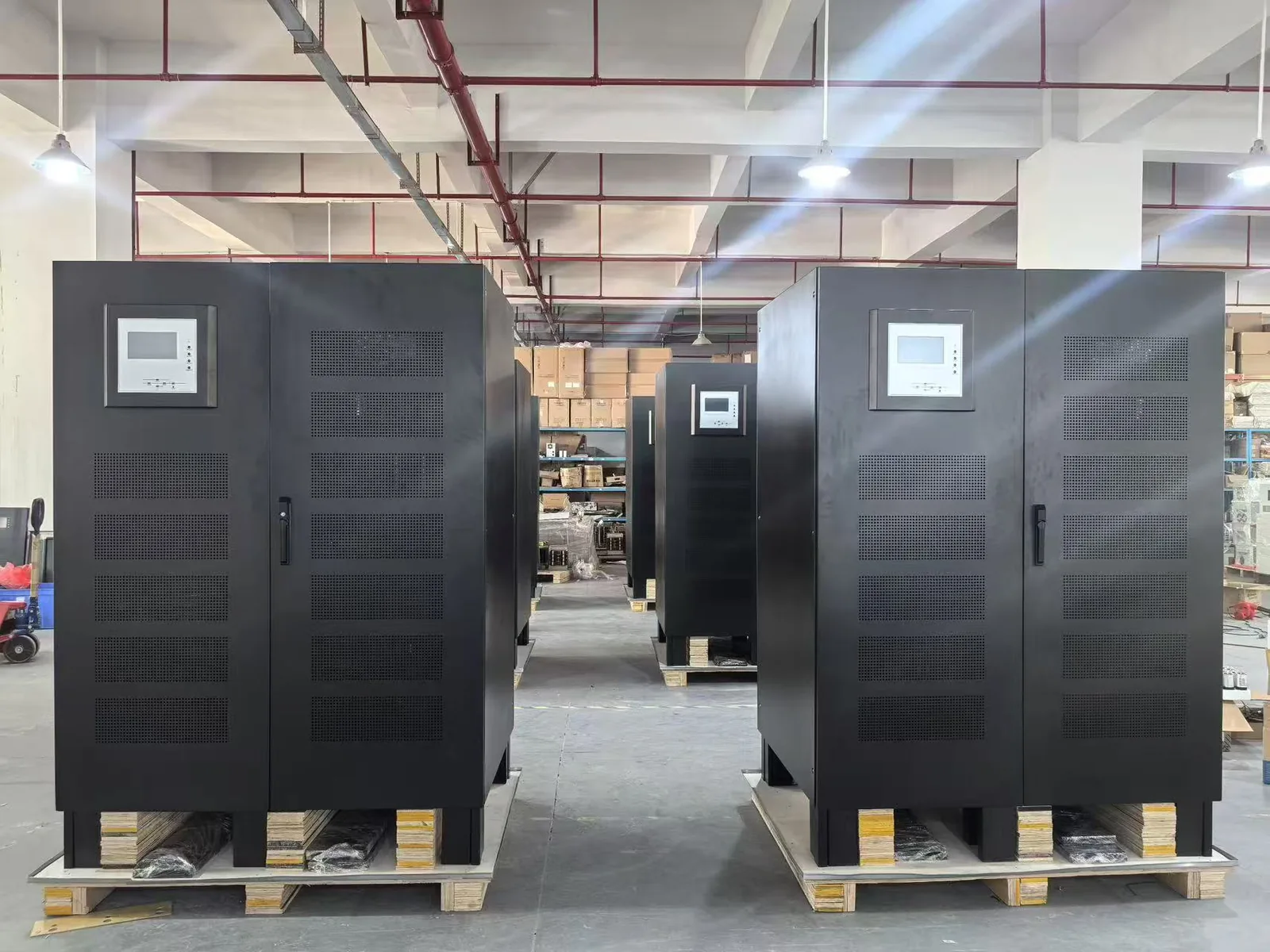
An uninterruptible power supply is not a battery box with a plug. It is a controlled power path that decides, millisecond by millisecond, whether the load receives the mains, the inverter, or the bypass. The battery is only one part of that path.
This guide explains what a UPS does, how the main topologies differ, how to size one from a load list, and which questions to settle before requesting a quotation.
What does a UPS actually do?
A UPS performs three jobs. It conditions the incoming supply, it carries the load through short outages, and it provides a controlled shutdown or a generator transfer when the outage is longer than the battery can support.
The first job is often overlooked. A UPS can remove voltage sags, spikes, frequency drift and waveform distortion before they reach the load. That matters for servers, medical devices, PLCs and any electronic load that resets when the supply moves outside its input window.
The second job is the one buyers know: the battery keeps the load alive while the mains is absent. The runtime is set by the battery bank, not by the UPS frame. A 10 kVA UPS with a small battery is a 10 kVA UPS for a few minutes, not for an hour.
The third job is coordination. In a project with a generator, the UPS must cover the generator start and transfer, then hand the load back to a stable source. In a project without a generator, the UPS must cover the full outage or support an orderly shutdown.
What are the main parts of a UPS?
A double-conversion UPS has four functional blocks. The rectifier converts AC to DC and feeds the DC bus. The battery bank sits on that bus. The inverter converts DC back to a clean AC waveform. The bypass path provides a maintenance route and a backup path if the inverter is unavailable.
The control system monitors input, output, battery and temperature, and decides when to transfer. The static switch performs the transfer. The charger maintains the battery. In a modular UPS, the rectifier and inverter are packaged as hot-swappable modules; in a monolithic UPS, they are fixed inside one frame.
The practical consequence is that “UPS capacity” is not one number. The frame sets the maximum power, the rectifier sets the input current and harmonics, the inverter sets the output waveform and overload, and the battery sets the runtime. A quotation that lists only kVA is incomplete.
Which UPS topology is right?
There are three main designs. They differ in how the load is supplied during normal operation and how the transfer happens.
| Topology | Normal operation | Transfer time | Typical load |
|---|---|---|---|
| Standby / offline | Load is on mains; inverter starts on failure | 8–12 ms | Desktop PC, router, small office |
| Line-interactive | Load is on mains through an AVR stage | 4–6 ms | POS, CCTV, branch IT, small server |
| Online double-conversion | Load is always on the inverter | 0 ms | Server, medical, PLC, data center |
| Online + modular | Load is on hot-swappable inverter modules | 0 ms | Data center, expansion-ready project |
The table is a starting point, not a rule. A line-interactive UPS can be the right choice for a small CCTV recorder; the same design is the wrong choice for a hospital analyzer or a motor load. The load profile decides.
For a deeper comparison, see the UPS systems hub.
UPS, generator, inverter or stabilizer: what is the difference?
These four devices solve different problems. Buyers often compare them because they are all sold as “backup”, but they are not interchangeable.
| Device | What it does | What it does not do |
|---|---|---|
| UPS | Conditions power and carries the load through an outage | It does not generate energy; runtime is limited by the battery |
| Generator | Generates energy for a long outage | It does not transfer in 0 ms; it needs a UPS or a controlled shutdown |
| Inverter | Converts DC to AC, often from solar or a battery | It may not regulate the mains or transfer fast enough for IT |
| Stabilizer / AVR | Corrects voltage before the load | It stores no energy and cannot ride through an outage |
A common project architecture is a servo stabilizer at the incoming supply, an online UPS for the critical load, and a generator for long outages. The stabilizer protects the UPS input and the non-UPS loads; the UPS protects the transfer; the generator protects the runtime.
For battery selection, start with the UPS battery guide and the battery runtime guide.
How do I size a UPS?
Sizing starts with the load list, not with a catalogue number. Add the running kW, the largest motor or compressor start, the load step, and the required runtime. Then convert to kVA and apply a design margin.
| Input | What to record | Why it matters |
|---|---|---|
| Running load | kW or measured current per circuit | Sets the continuous inverter size |
| Largest step | Motor, compressor, UPS charger or laser printer | Sets the overload and the frame |
| Runtime | Minutes, generator availability, battery room | Sets the battery bank and charger |
| Supply | Voltage, frequency, phase, input current | Sets the model and the input protection |
| Site | Country, altitude, temperature, dust | Sets derating, IP rating and documents |
A first estimate is kW ÷ output power factor × 1.25. A 15 kW IT load at 0.9 PF becomes 16.7 kVA before margin and about 20.8 kVA after margin, so a 20 kVA or 30 kVA frame is the practical range. The sizing calculator performs this calculation and estimates the 12 V battery blocks.
Capacity pages help narrow the frame: 1 kVA, 3 kVA, 5 kVA, 10 kVA, and 20–200 kVA. The full model index lists the available families and model rows.
How long will the battery last?
The battery is the part that actually delivers runtime. The UPS sets the power quality and the transfer time; the battery sets the minutes. The simplified formula is Ah = kW × 1,000 × hours ÷ (DC bus voltage × inverter efficiency × usable depth of discharge).
At 192 VDC, 0.85 inverter efficiency and 0.6 usable depth of discharge, a 7.2 kW load for one hour needs about 73.5 Ah before derating. The battery discharge curve reduces the available capacity at short runtimes, so the final bank may be larger. Confirm the charger current and the maximum battery size for the selected model.
VRLA is the usual choice for 5–30 minutes in a temperature-controlled room. LiFePO4 is used for longer runtime, tighter rooms and higher cycle life. The VRLA battery range covers 12 V blocks from 24 Ah to 250 Ah; the battery guide explains strings, temperature and replacement planning.
Single-phase or three-phase?
Single-phase UPS systems are common from 1 kVA to 10 kVA. They are used in server rooms, branch offices, clinics, security rooms and small industrial panels. Three-phase systems are used when the load is three-phase, when the input current must be balanced, or when the project needs a larger frame.
The choice is not only about kVA. A 20 kVA load can be supplied by a three-phase UPS with a lower input current per phase, which reduces cable and breaker stress. A single-phase load should not be spread across a three-phase UPS without checking the phase balance.
For three-phase projects, start with the three-phase UPS guide and the industrial UPS page.
Where is a UPS used?
The load profile decides the topology and the runtime. A data center needs modular N+1, a maintenance bypass and monitoring. A server room needs 3–20 kVA and 10–60 minutes. An industrial plant needs a wide input window, high overload and a robust frame. A security room needs 4–8 hours for cameras and access control.
- Data center, 20–300 kW: start with the modular N+1 UPS guide.
- Server room, 3–20 kVA: use the online UPS for server room.
- Industrial plant, 10–200 kVA: start with the industrial UPS page.
- Security and CCTV, 1–5 kVA: use the security and surveillance page.
- Telecom site, 48 VDC and AC: see the telecom sites page.
- Commercial building, 10–100 kVA: see the commercial buildings page.
The UPS systems hub connects capacity, topology and market guides. Market pages for South Africa, the Philippines and Bangladesh cover local supply conditions and documentation.
What standards and documents should I check?
For a project quotation, ask for the model datasheet, the dimension drawing, the input/output and battery configuration, the test report, and the conformity document for the destination market. IEC 62040 is the usual reference for UPS performance and safety; the exact document set depends on the model and the market.
The certifications page explains which documents are model-specific. The downloads page lists the document package.
Do not accept a generic certificate that does not name the model. If the project requires a specific conformity route, state it in the inquiry so the quotation can confirm the document set and the lead time.
How do I request a configuration?
Send the load list, the runtime, the phase and voltage, the site country, and any certification requirement. The engineering team can then return a capacity recommendation, a battery configuration and a model sheet.
Use the supplier and quotation page for the commercial checklist, or the contact page for a project review. If the load is still unclear, start with the sizing calculator and bring the result into the inquiry. The full model index helps you compare families before the first call.
A UPS is a system decision, not a box decision. The right answer is the smallest frame that carries the real load, the largest step, and the required runtime, with a battery bank that can be maintained in the room you actually have.